View a message
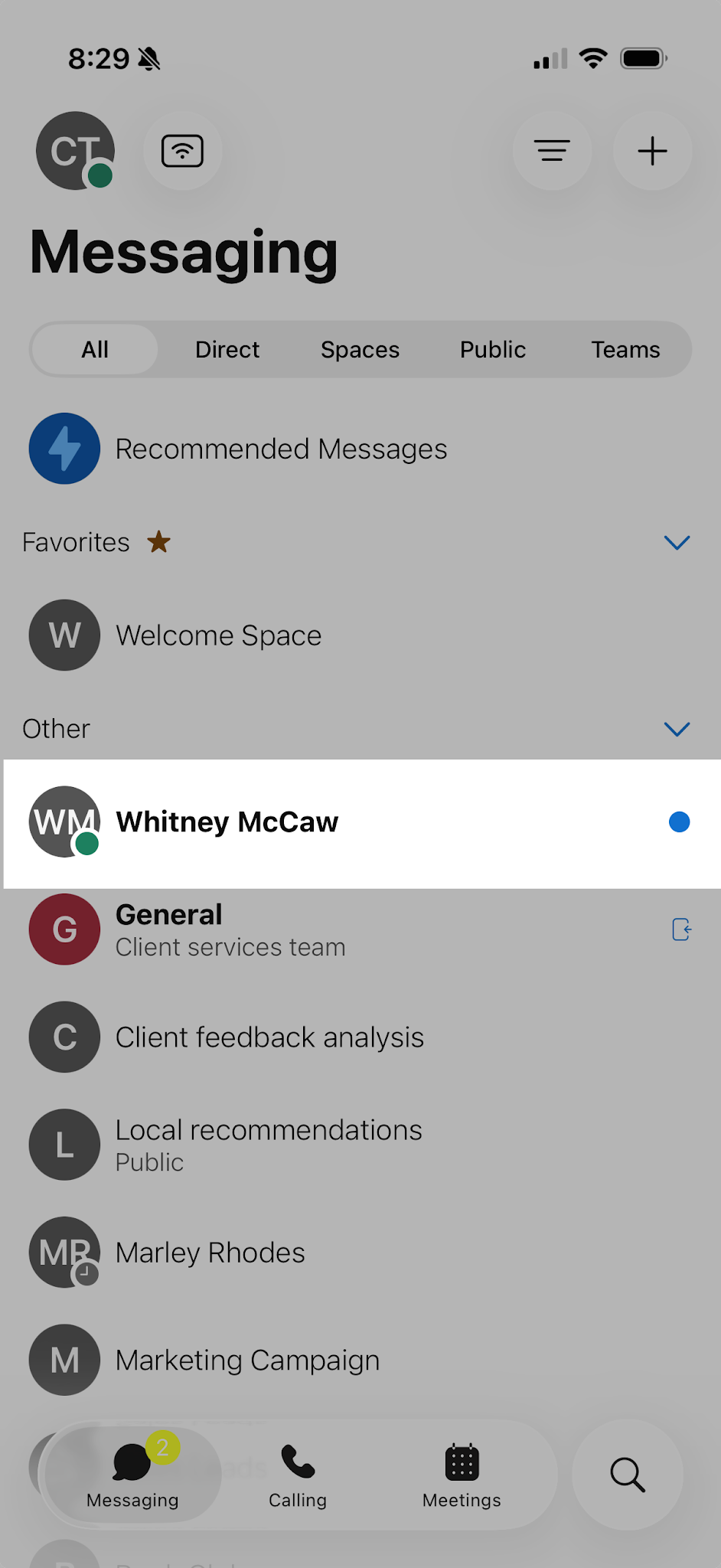
When a new message arrives, unread conversations appear bolded with a dot in your Messaging list. The dot indicator helps you quickly identify which spaces or contacts have new activity.
To view a new message:
- Tap Messaging.
- Locate the bolded conversation with a dot indicator.
- Tap the conversation to open the message space and view the new messages.