Easily pay, view, or print your Business Digital Voice with Webex bill online.
If you’d like to pay by phone or have an inquiry about your bill, contact the Business Digital Voice with Webex billing department at 1-800-837-4966.
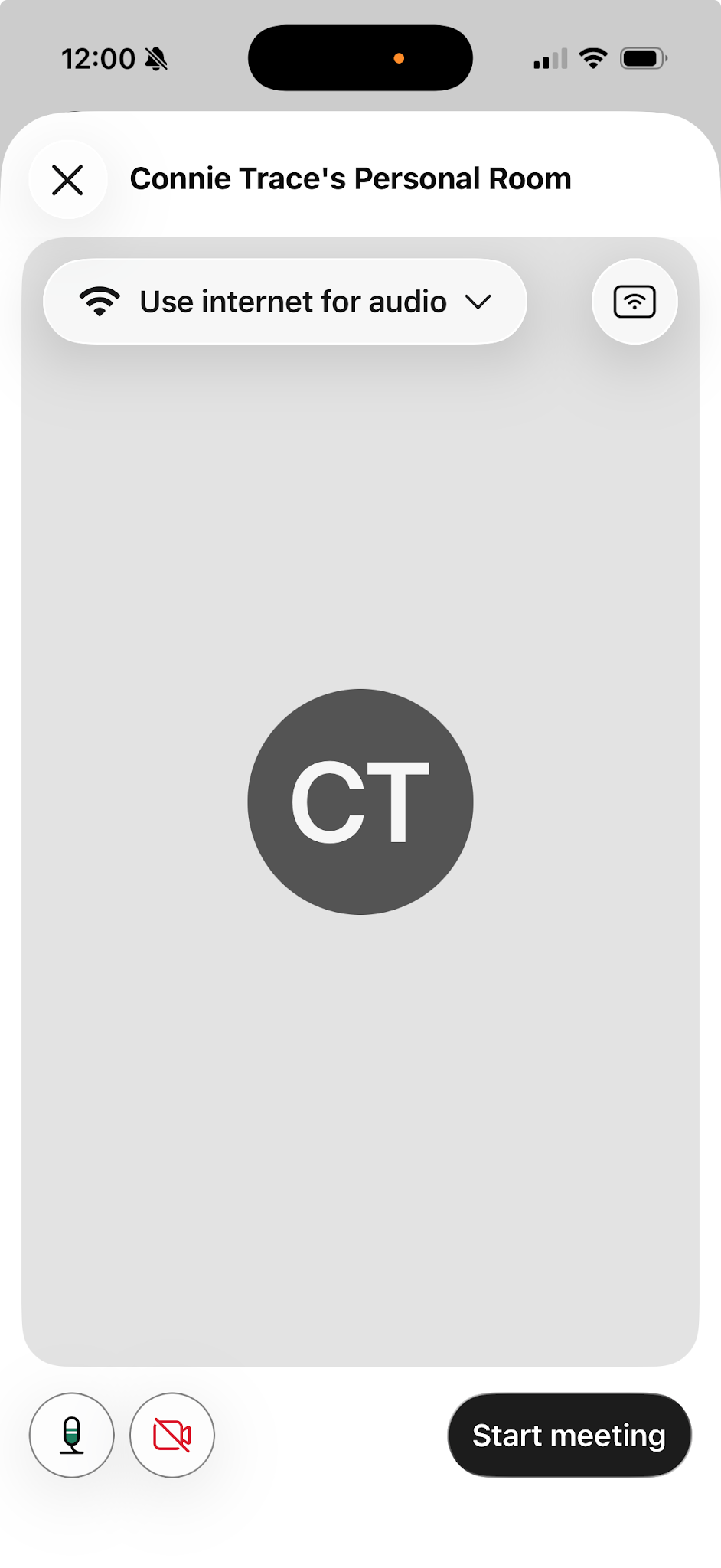
To start a personal room meeting: