
Start a meeting from a space
If a space has more than 3 people but fewer than 75, you can start an instant meeting directly from that space. The number of people who can join varies depending on the Webex licenses of the members in that space.
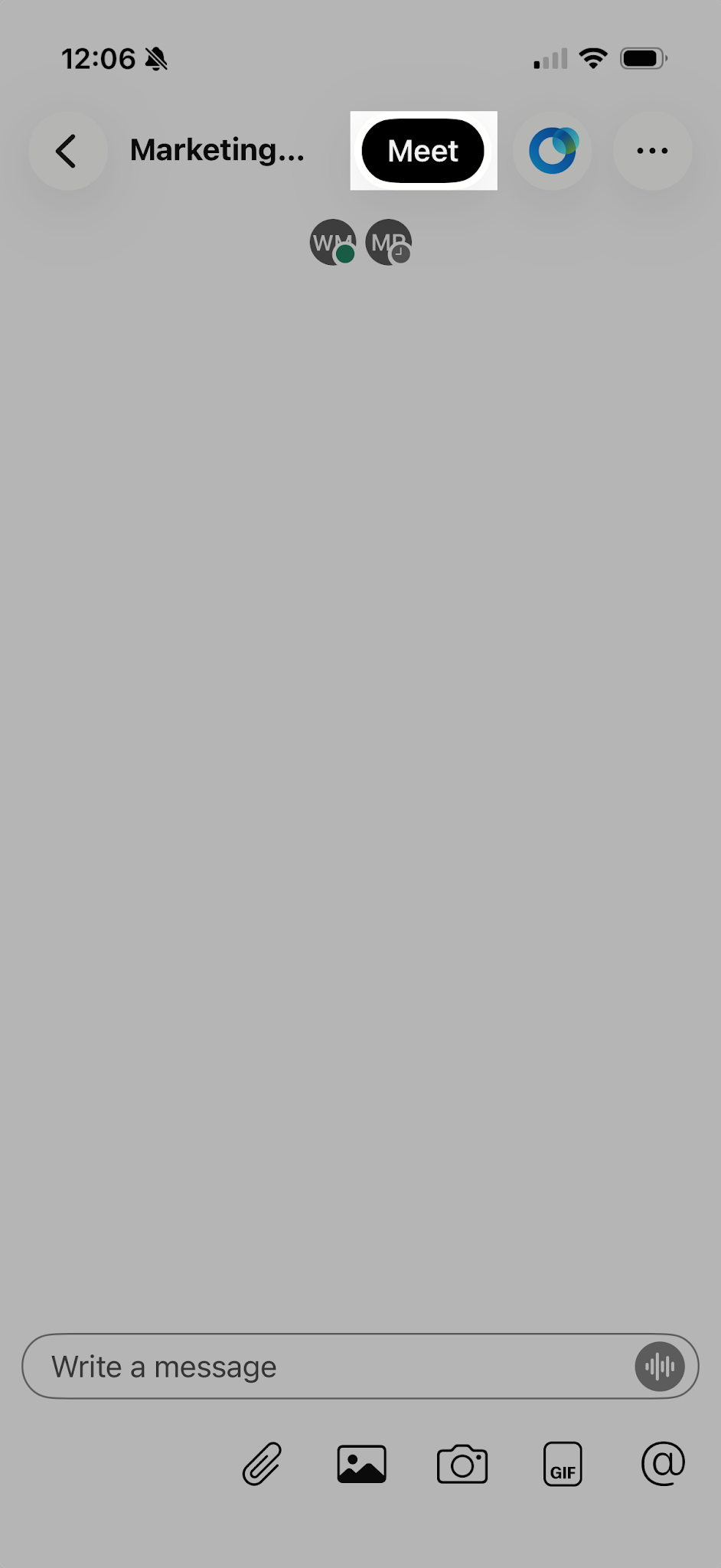
- Open the space where you want to start the meeting.
- Select Meet.
- The meeting starts instantly, and everyone in the space sees a Join button in their meeting list and in their spaces list in the Webex app.

