Sign in and out
Before you can manage calls, messages, and contacts in the Webex app, you need to sign in with your account credentials.
To sign in:
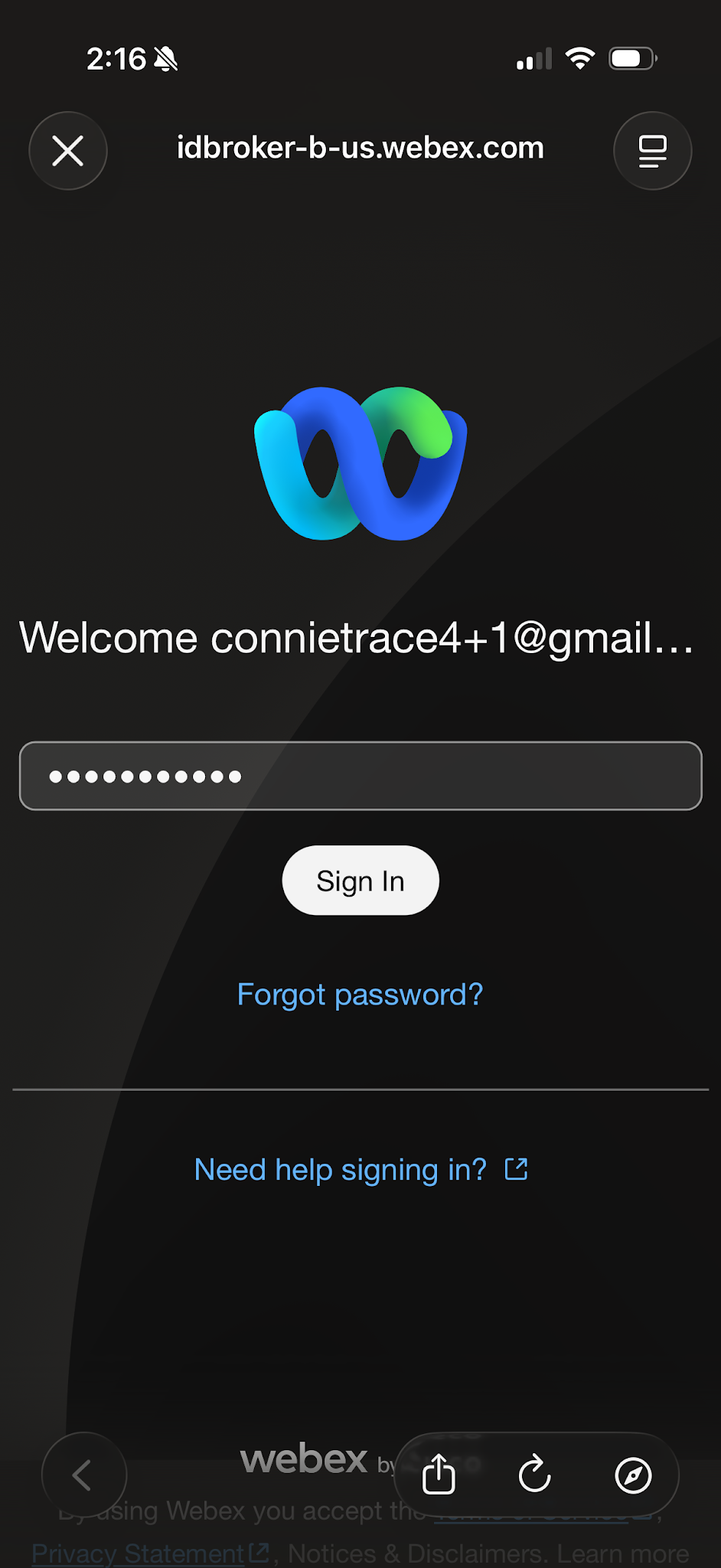
- Once you have accepted the Webex User Agreement, the login screen appears.
- Enter the email address associated with your account.
- Tap Next.
- Enter your Password.
- Tap Submit.
If you have forgotten your password, contact your company administrator to have it reset.
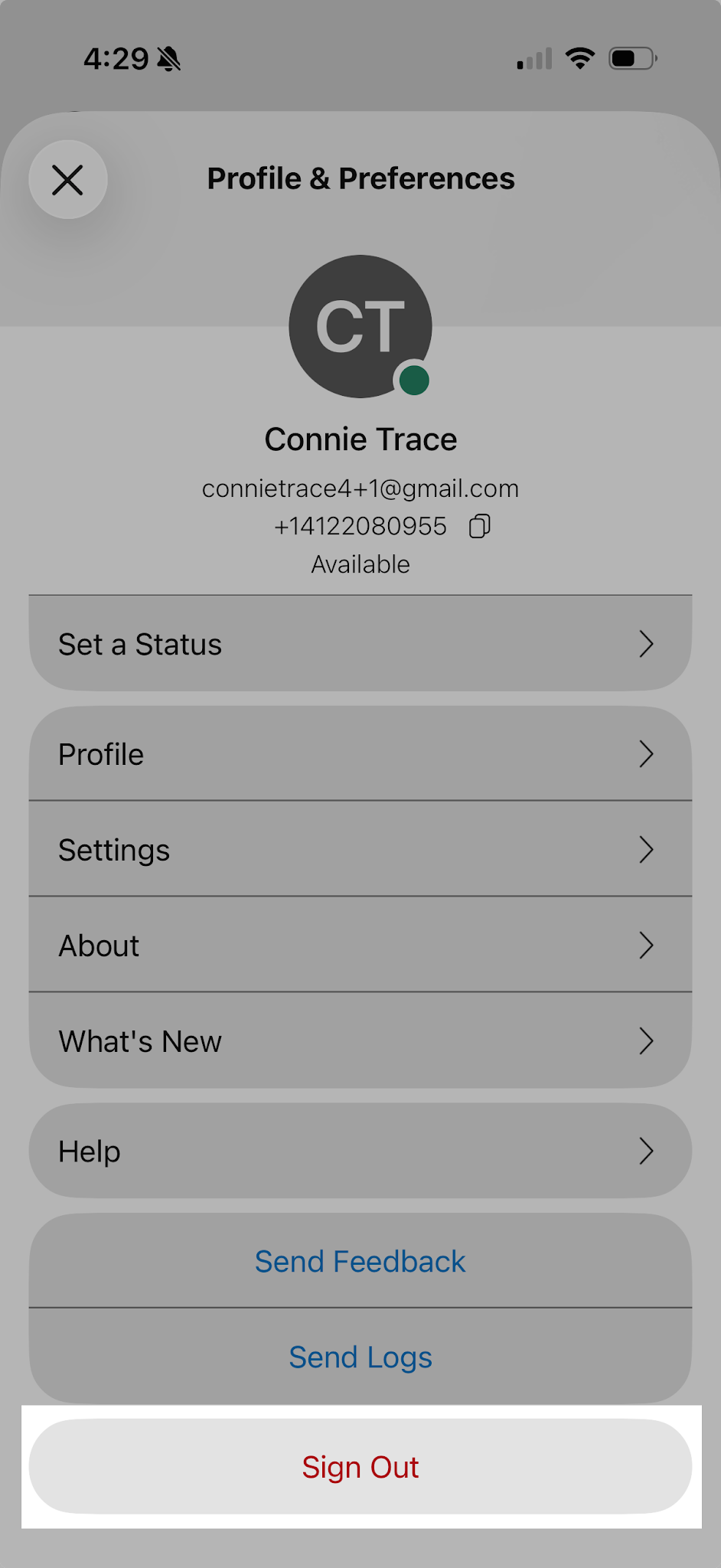
To sign out:
- Tap your profile icon and then Sign Out.
- A popup appears asking you to confirm Tap Sign out again. You are now signed out on your mobile device and can sign back in at any time.