
Share your screen without calling
You can easily share your screen without being in a meeting or on a call. This can be helpful if you just need to demonstrate something quickly in a one-on-one chat.
- While in a one-on-one message, tap the More options icon.
- Tap Screen Share.
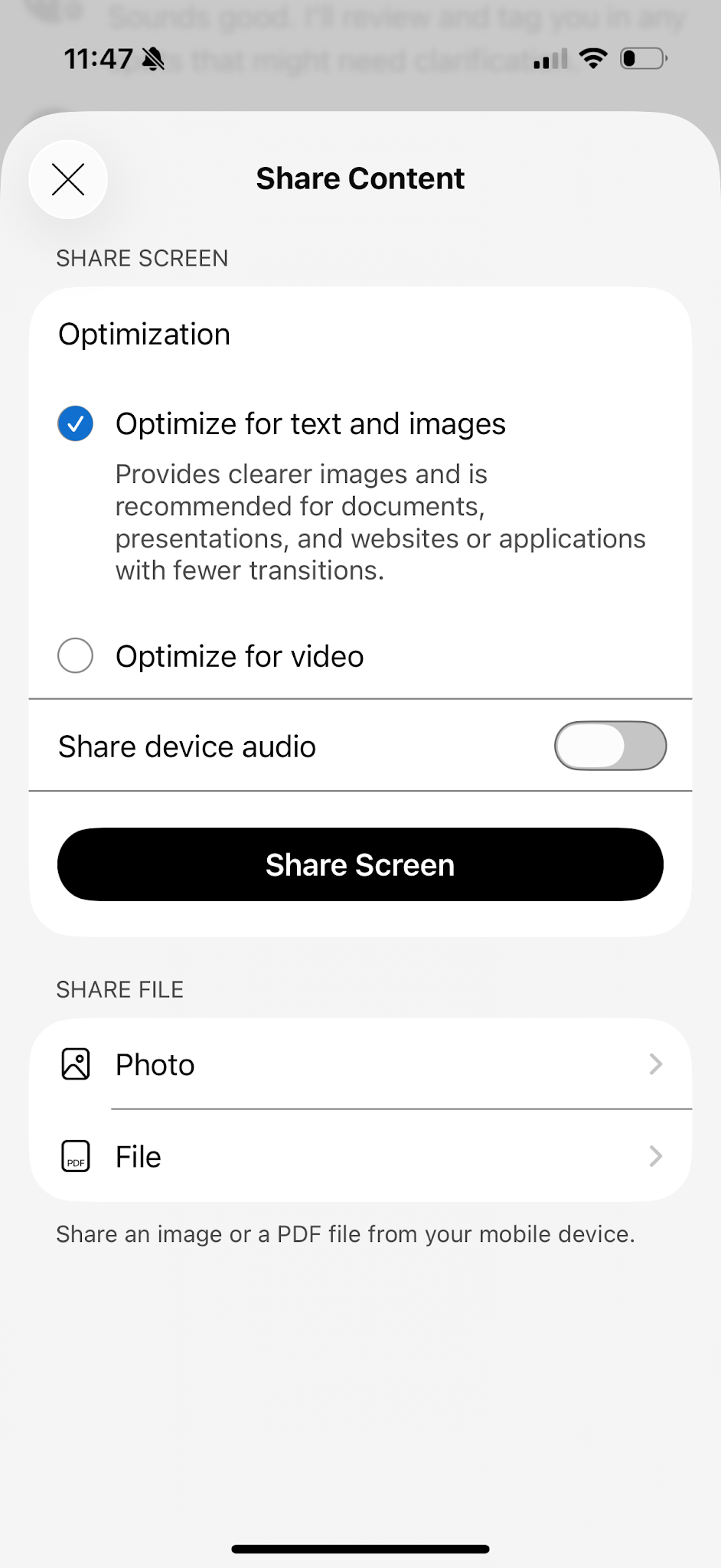
- Choose what you’d like to share and then tap Share Screen.
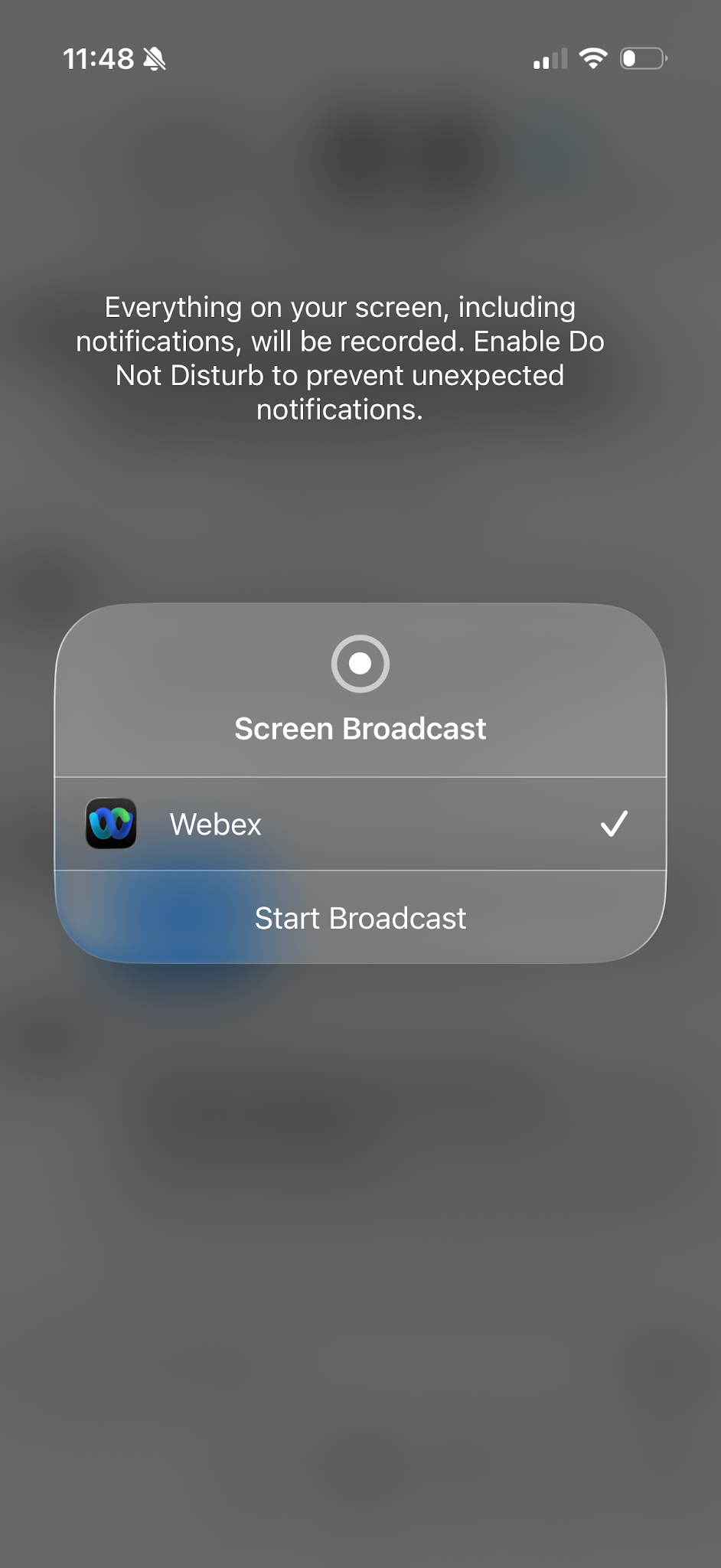
- Tap Start Broadcast.
- The person you are sharing with is prompted to accept the screenshare.
- To stop sharing, tap Stop Sharing.

