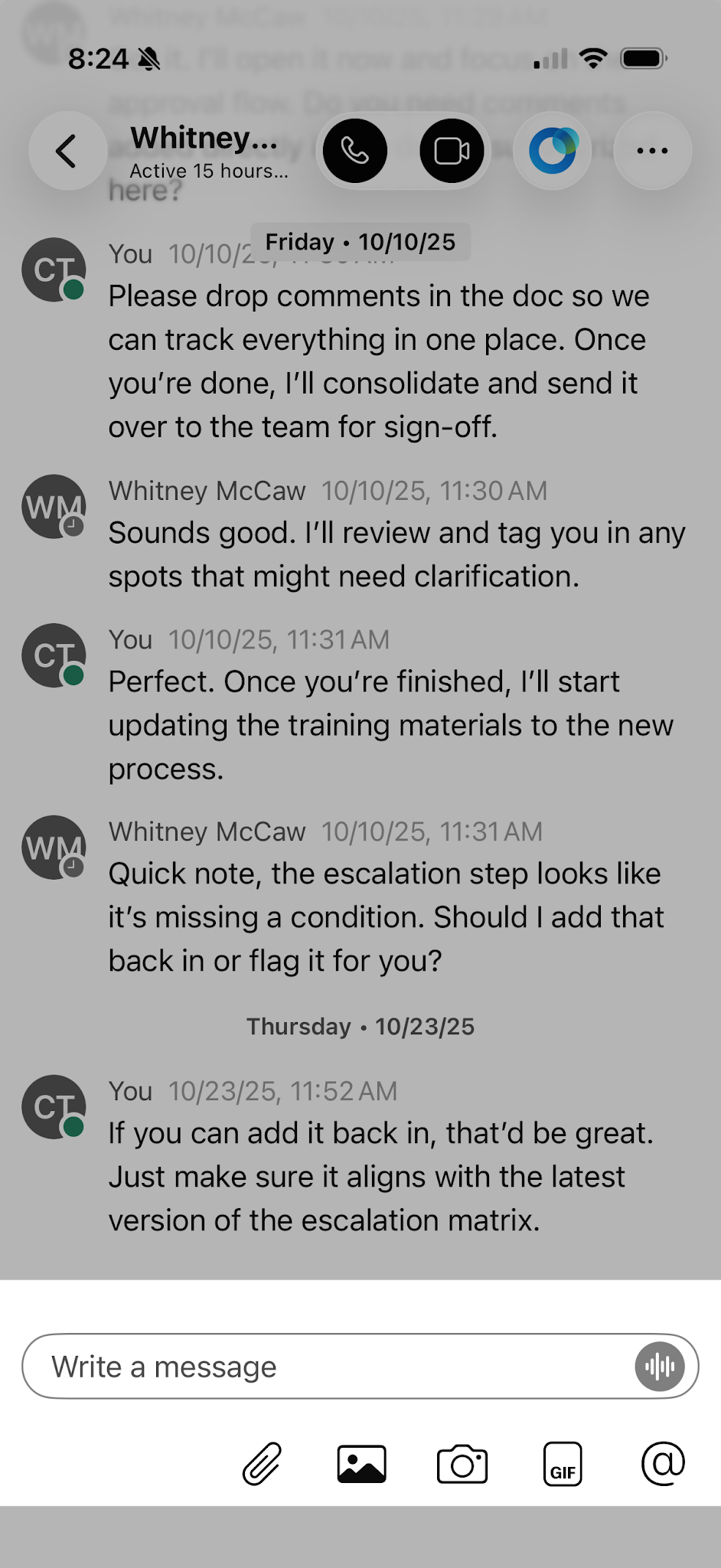
Send a message
Messages in Webex are where you chat with coworkers, exchanging content and ideas. You may send a message directly to a coworker or to a space you created.
To send a message:
- Select a person from your spaces list.
- Tap the message area and then type your message. You can include files, emojis or animated GIFs, and also add formatting or markdown to make your messages stand out or be easier to read.
- Press the Send icon to send your message, or press Enter on your keyboard.