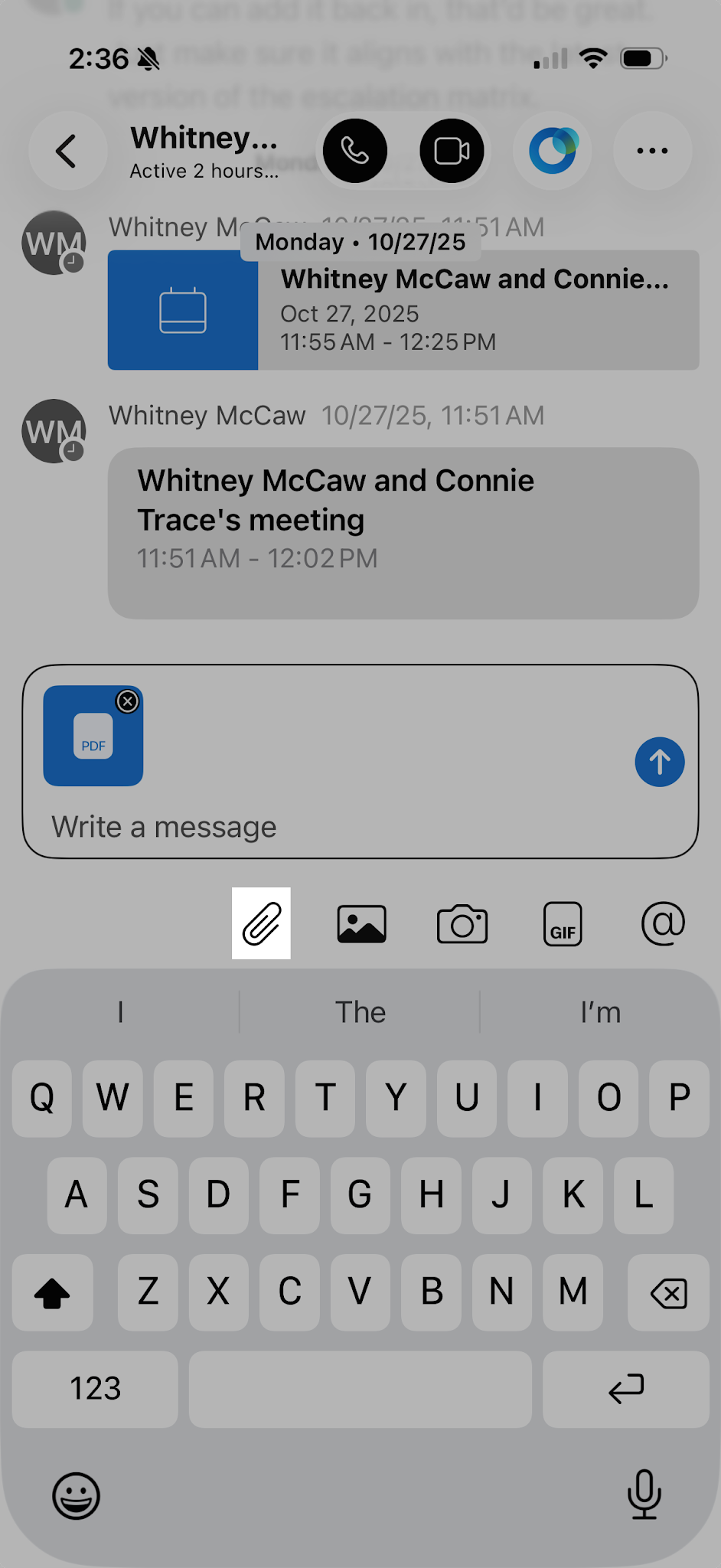
Send a file
You can share most file types in Webex, with a maximum file size of 2 GB. Supported file types include .doc, .docx, .gif, .jpeg, .pdf, .png, .ppt, .pptx, .xls, and .xlsx. You can also preview documents without downloading them first.
To send a file:
- Tap Messaging.
- Open the conversation where you want to share the file.
- Tap the Attachment icon in the message area.
- Locate and select the file you want to send.
- Tap the Send icon.