Upload a profile picture
In Webex, make it easier for individuals to identify you by adding an image to your profile. Your profile depicts only your initials within a circle before you upload one.
To upload your picture:
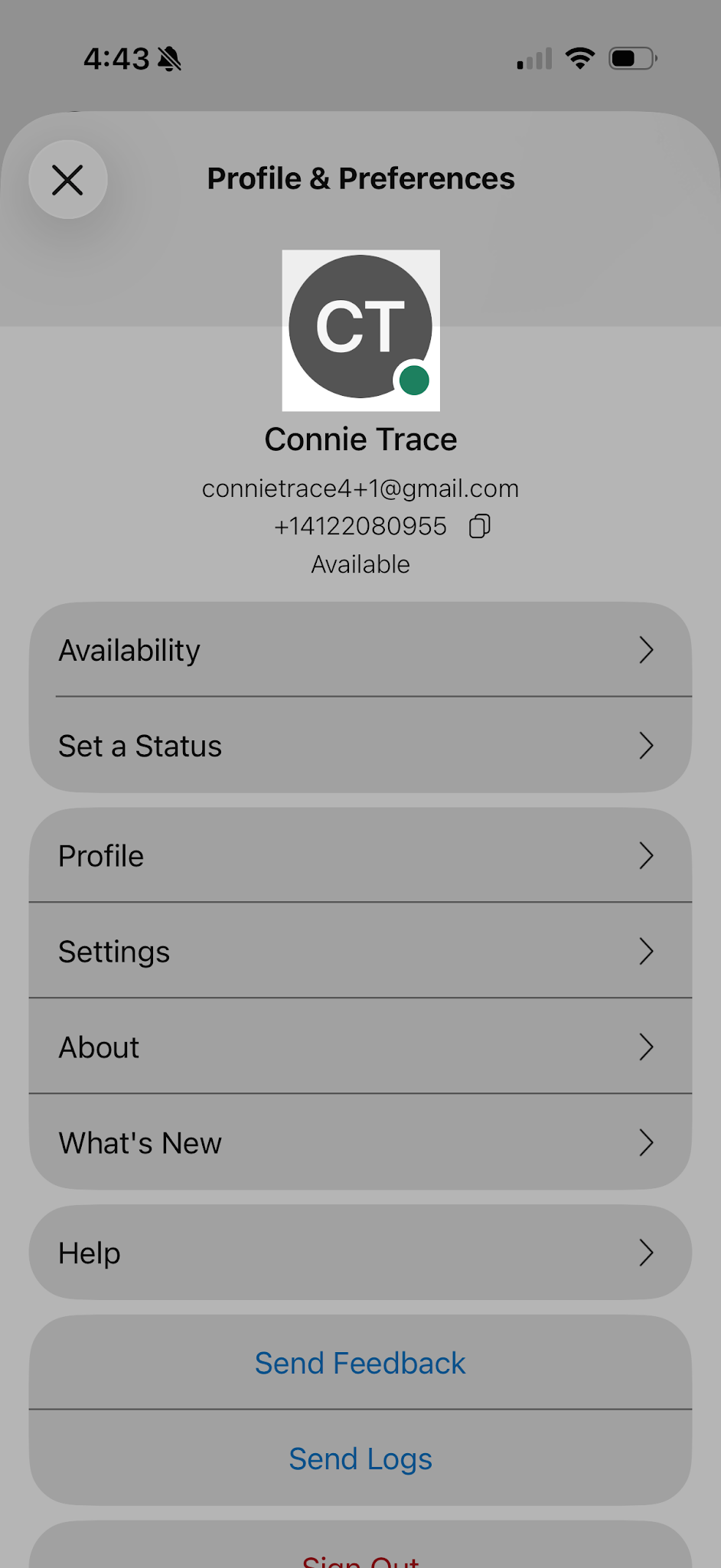
- In the app header, tap on your profile picture or initials.
- Tap your profile picture or initials again.
- The Edit Profile screen appears. Tap Add picture. Note: If you already have a profile picture, click Update picture to update it.
- Either choose an existing photo from your photo gallery, take a photo, or have AI generate a photo for you.
- Once complete, tap Save.