Place a call on hold
While you're on a phone call with someone, you can put them on hold so that you can make or answer another call or get more information.
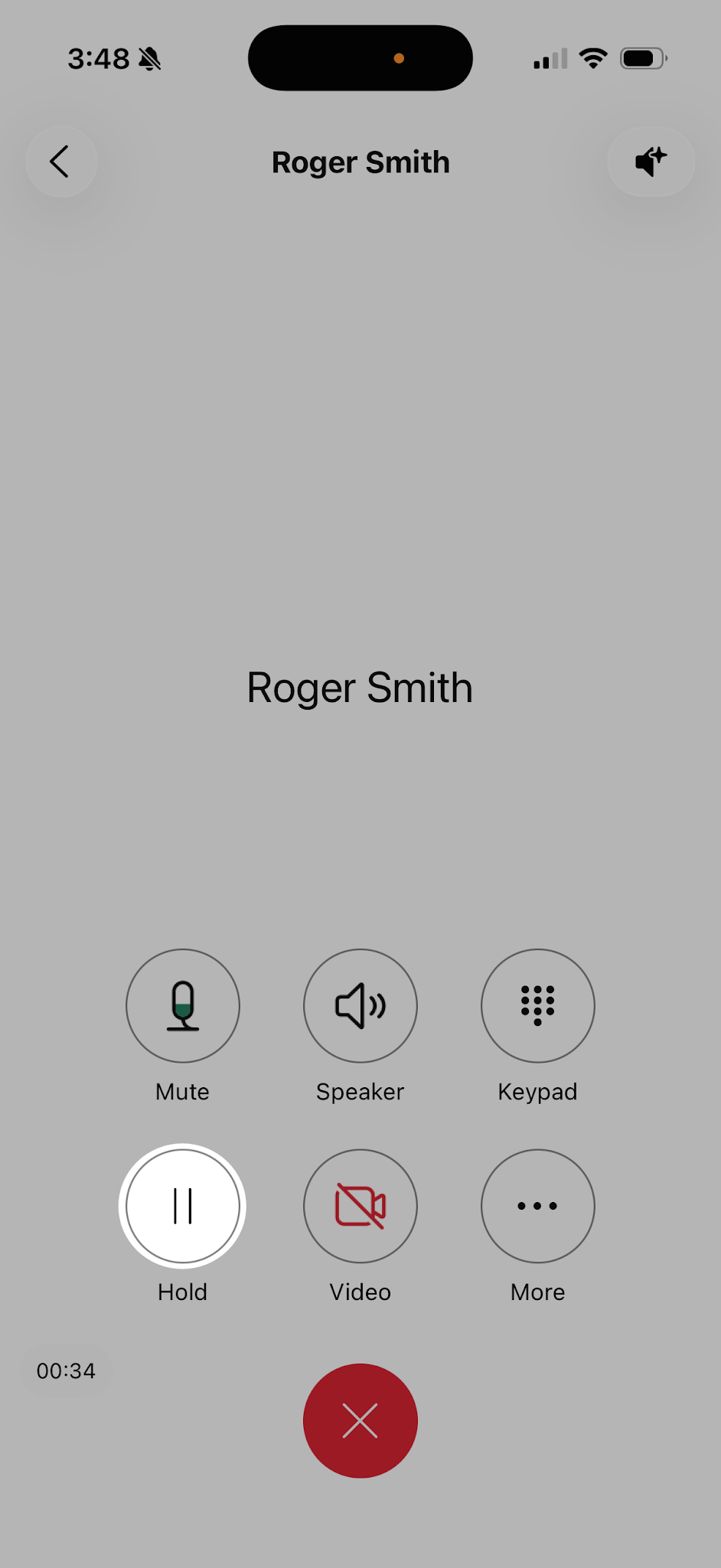
- While on a phone call tap Hold.
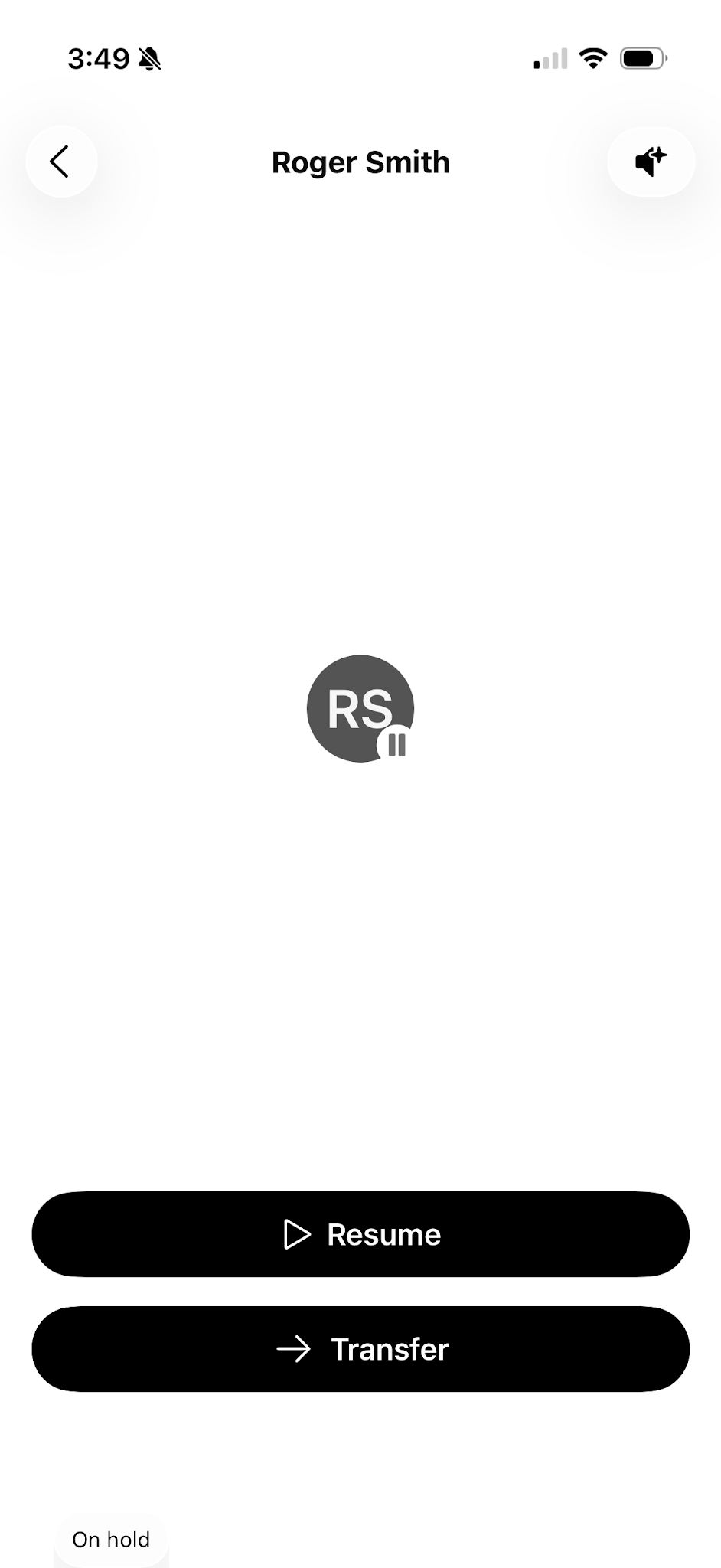
- After you put the call on hold, your spaces list shows that it's on hold.
- To go back to your held call, select it from the spaces list. Tap Resume, and your call will be active.