Configure Multiple Line Appearances (MLA)
Multiple Line Appearance (MLA) allows a single phone number or line to be shared across multiple devices or users. This enables users to answer, manage, and transfer calls from the same line on different devices or applications.
- Log in to User Hub.
- Under Admin, in the left menu, select Devices.
- Find and select the device you’d like to multiple line appearances for.
- In the Device Management tile, select Configure Lines.
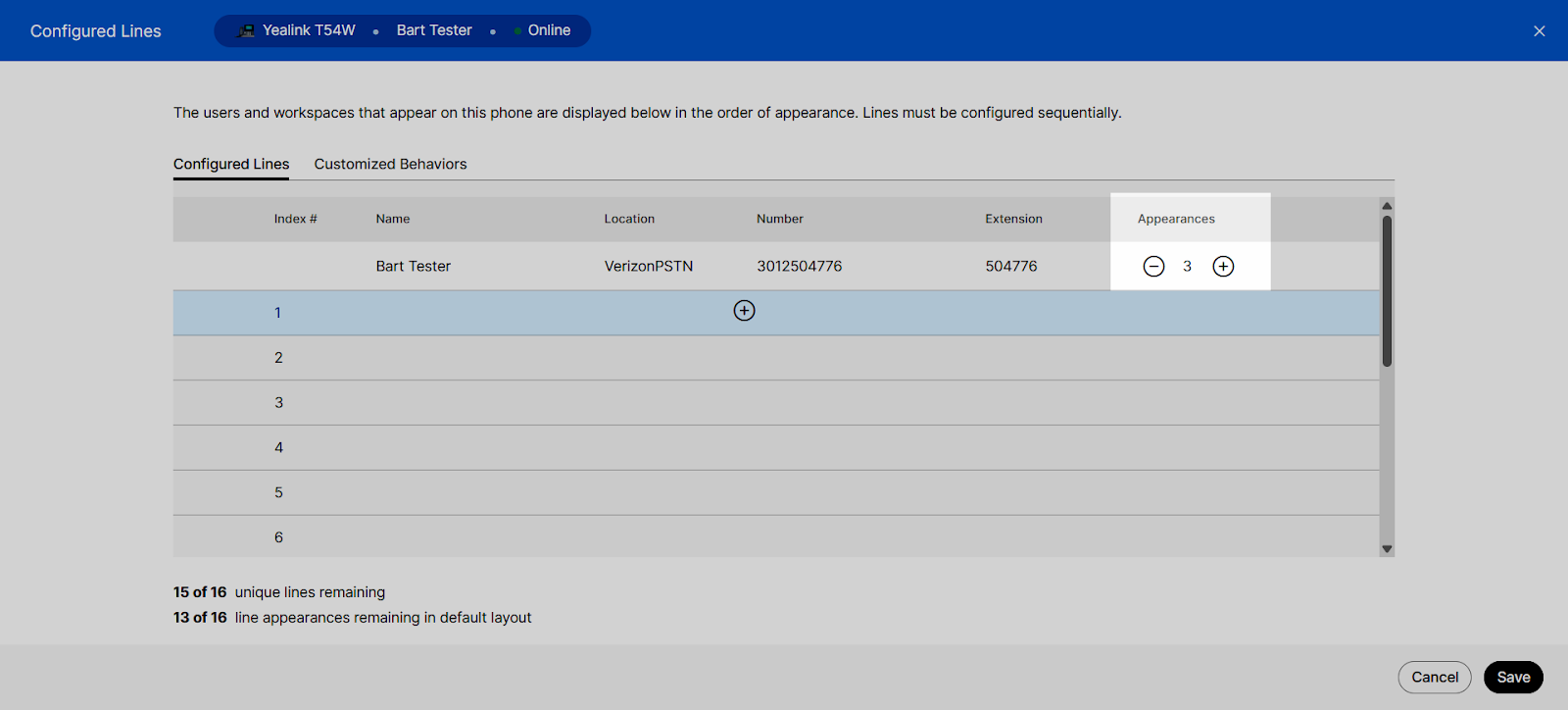
- Under the Appearances column, use the plus and minus icons to add or remove line appearances. The updated total of remaining line appearances is listed below the table.
- When finished, select Save to save your changes.