Manage contacts
You can manage your contacts within User Hub to add new contacts or edit existing ones in bulk. Use the default templates to add new contacts, then upload the CSV file. Or, you can download your existing contacts, make any changes, and upload the edits as a CSV file.
To manage contacts, follow these steps:
- Log in to User Hub.
- Under Admin, in the left menu, select Users> Contacts.
- Select Manage contacts.
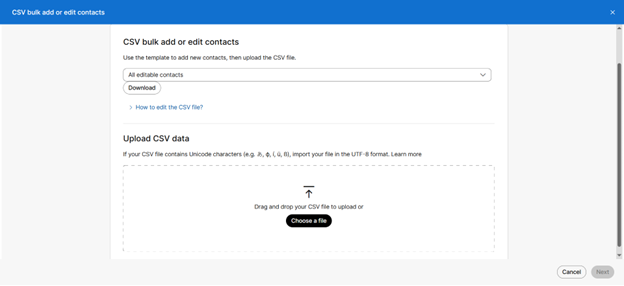
- Use the Sample CSV template to add new contacts or select All editable contacts to edit your existing contacts.
- Select Download.
- Edit the CSV file, then drag and drop the file or select Choose a file to upload it from your computer.
- Select Next.
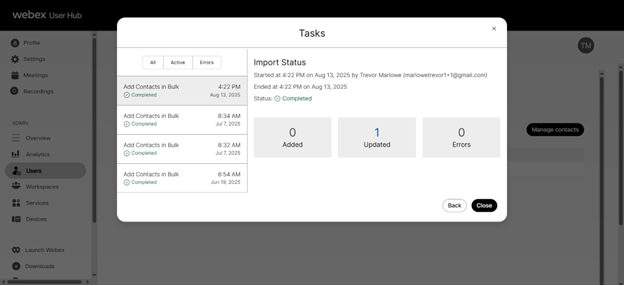
- The import status of the task is displayed. Repeat the steps to add or edit again.