Webex for mobileBack
Join a meeting from a space

Access and pay your Business Digital Voice with Webex bill

Easily pay, view, or print your Business Digital Voice with Webex bill online.

If you’d like to pay by phone or have an inquiry about your bill, contact the Business Digital Voice with Webex billing department at 1-800-837-4966.
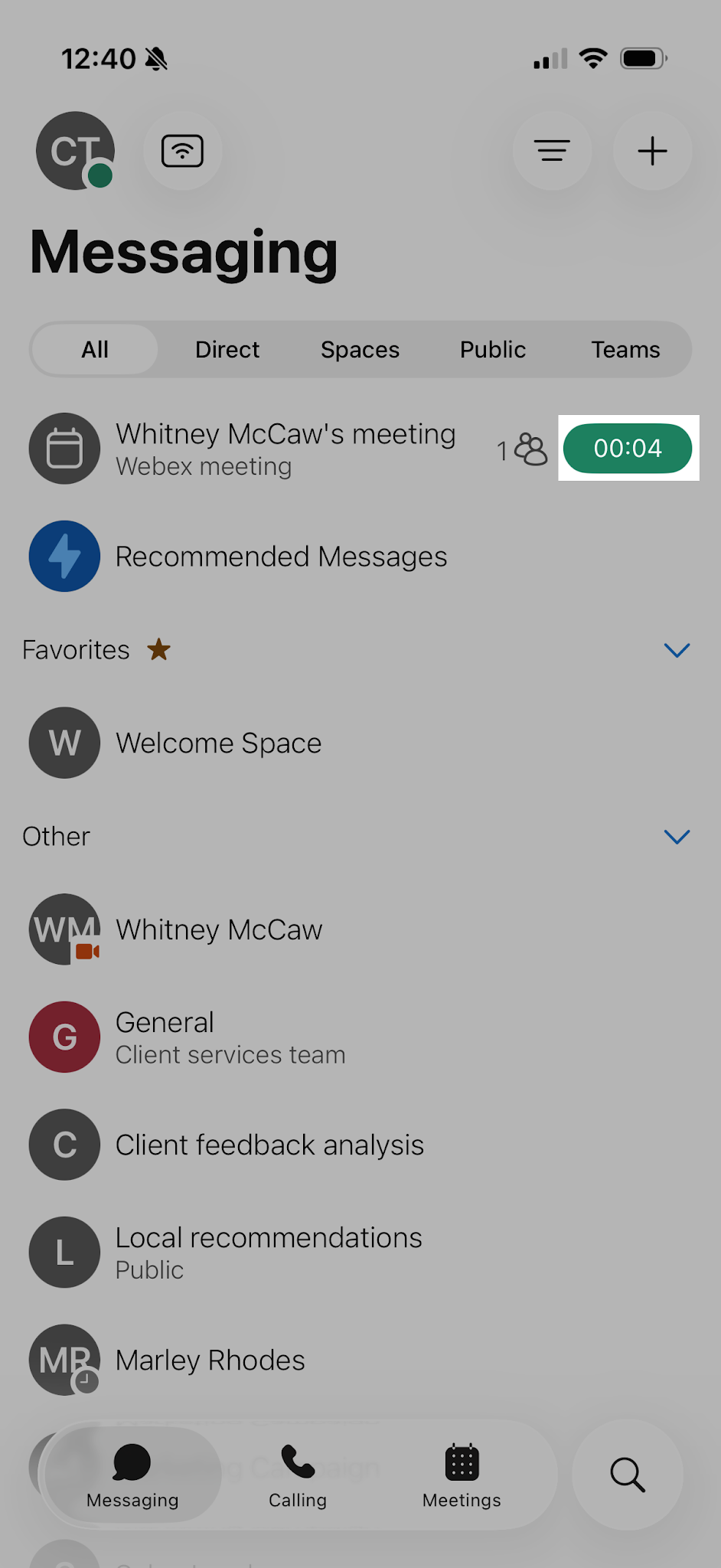
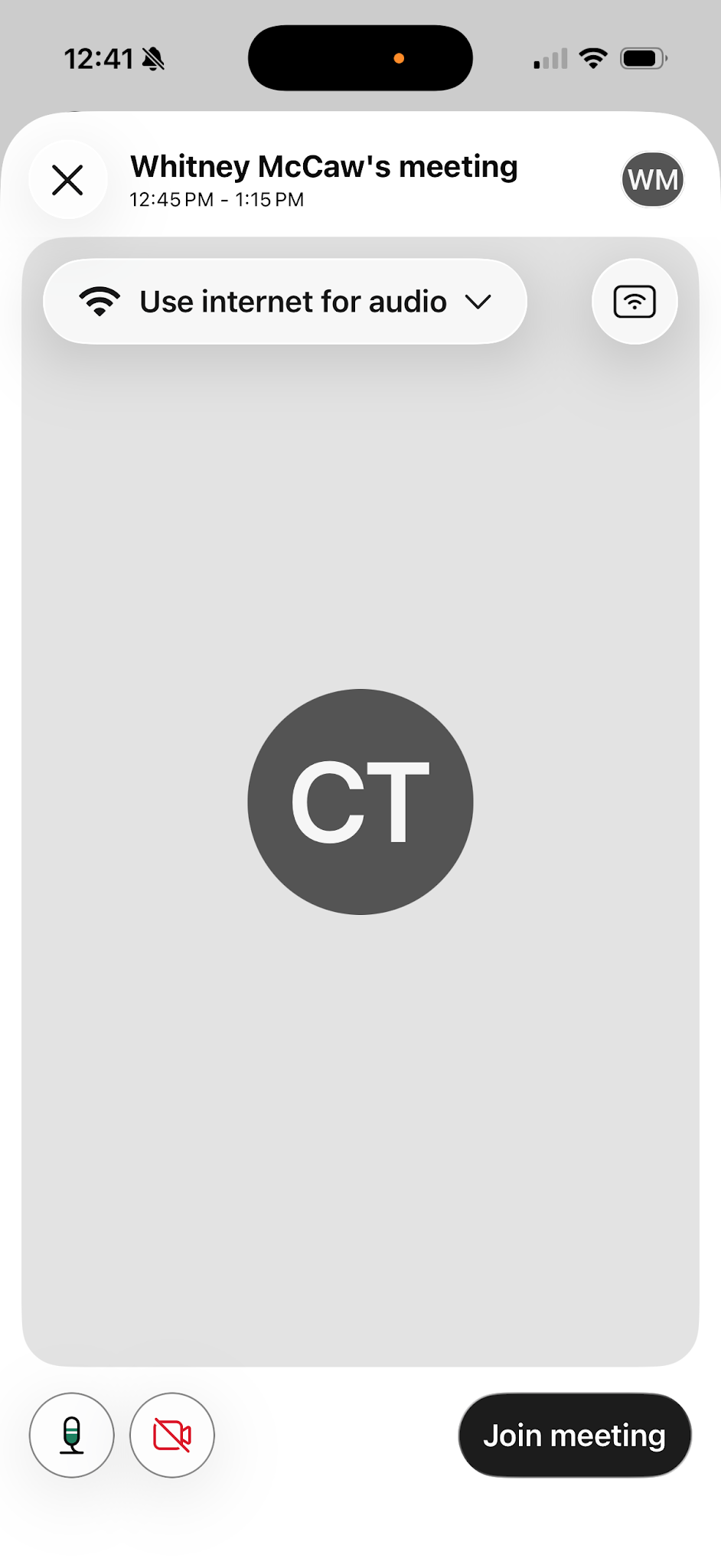
Join a meeting from your spaces list

  1. Go to Messaging.
  2. Tap the green button beside the space or meeting name.
  1. Choose your audio and video settings before you join your meeting.
  2. When ready, click Join Meeting.

‍

>