Join a meeting from a calendar invite
You can join a Webex meeting directly from a calendar invite on your mobile device. This is a quick way to jump into a meeting without opening the Webex app first.
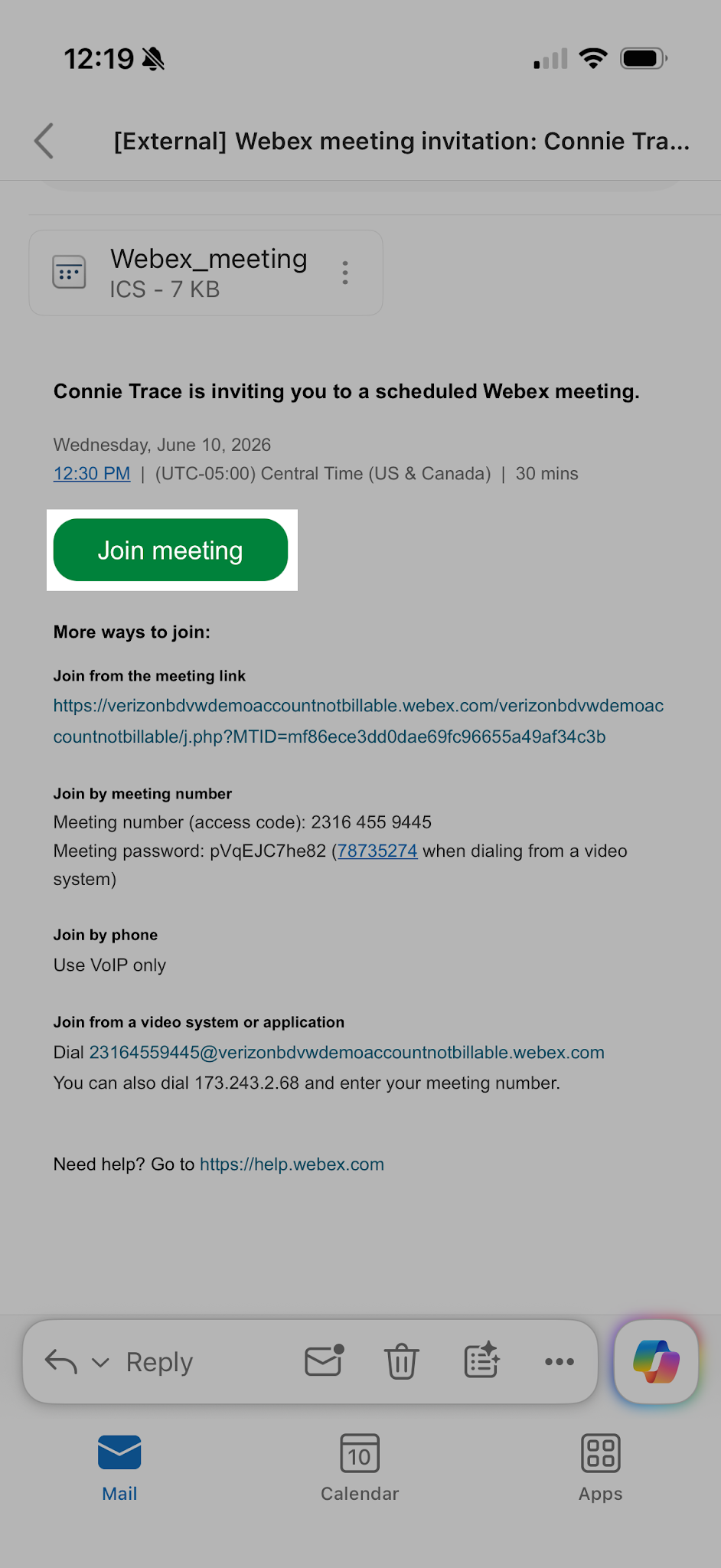
- Open your email invite.
- Click Join meeting.
- If you're asked for a meeting password, enter the meeting password that was a part of the initial email. Then, click Next.
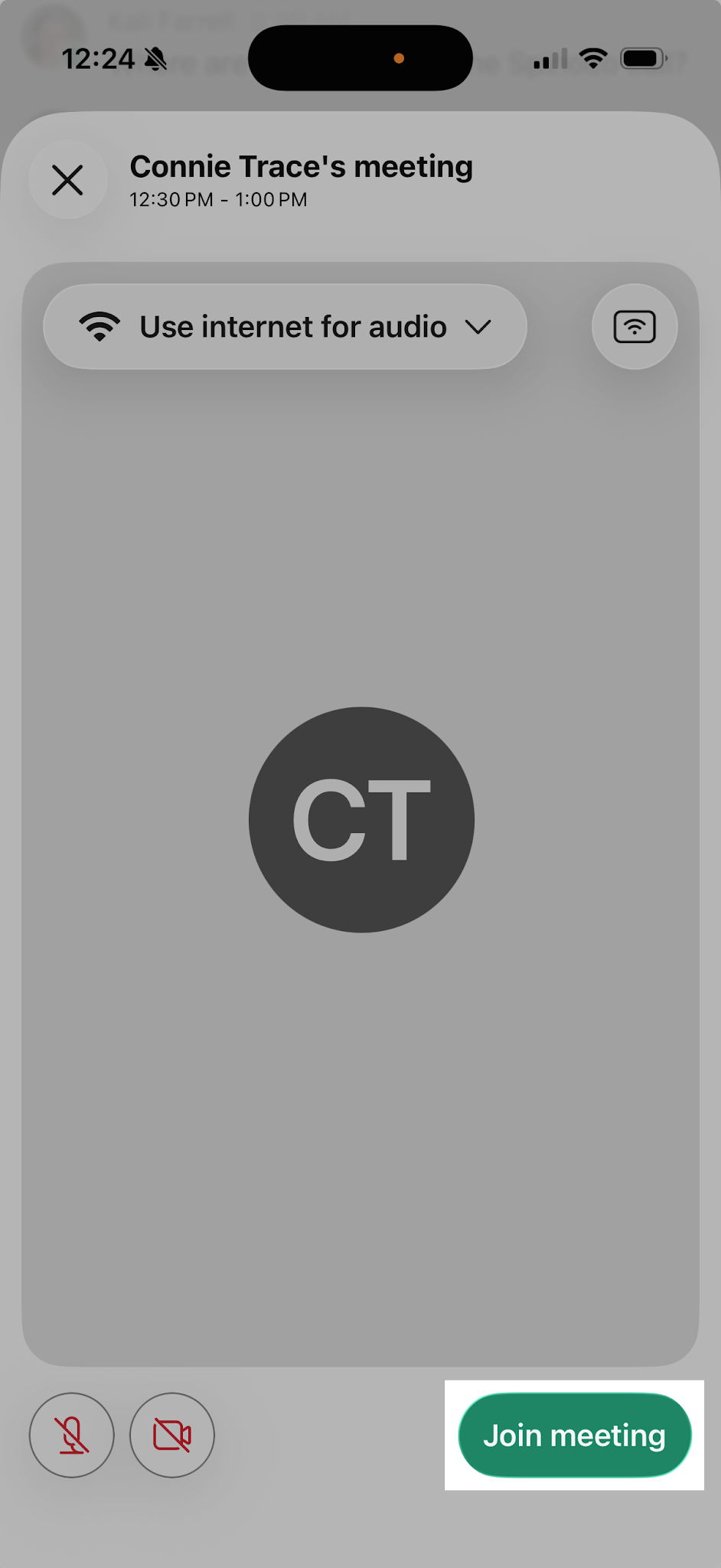
- In the preview window, you can make sure your audio and video sound and look good before you join the meeting.
- When ready, click Join meeting.