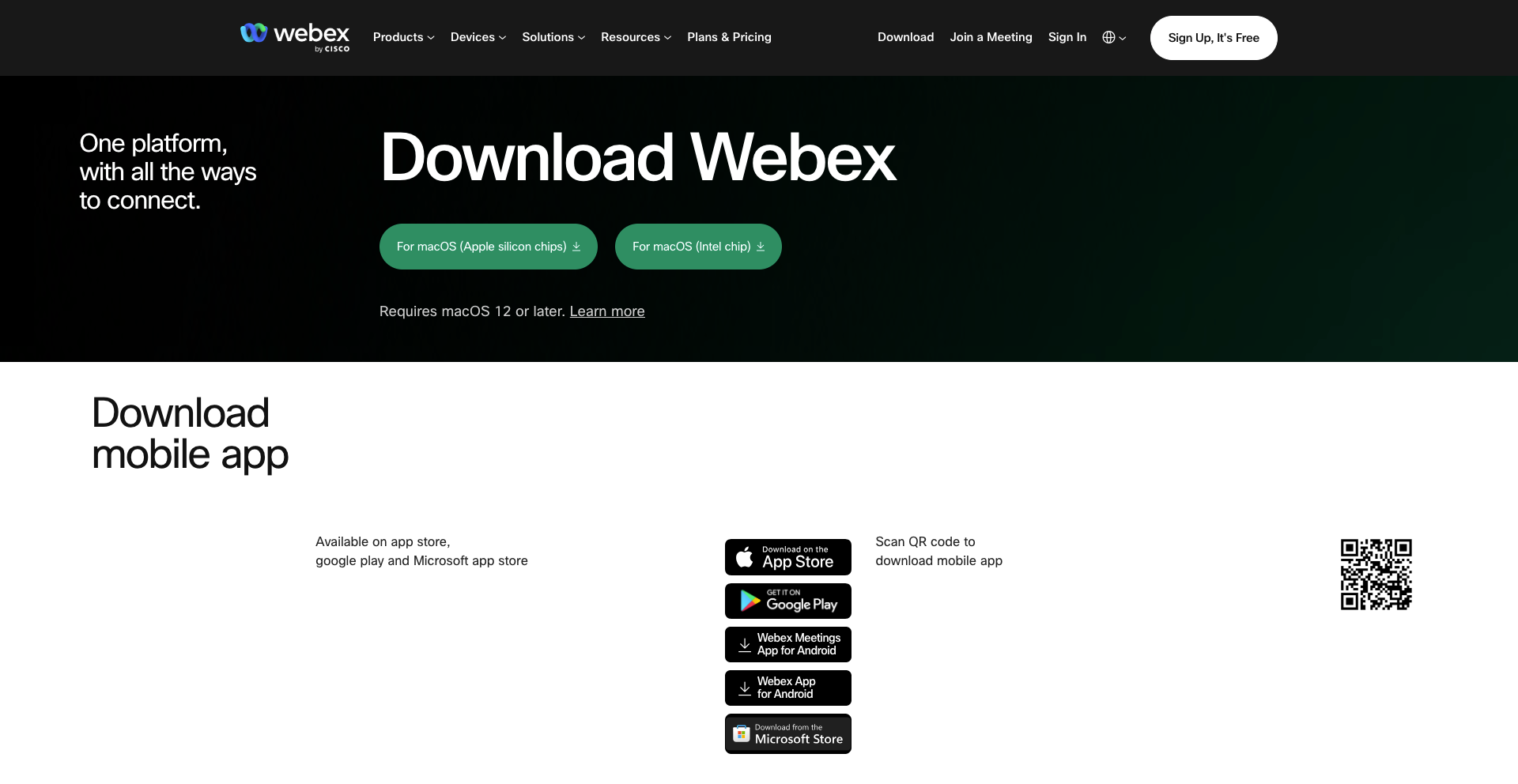
Download and install the app
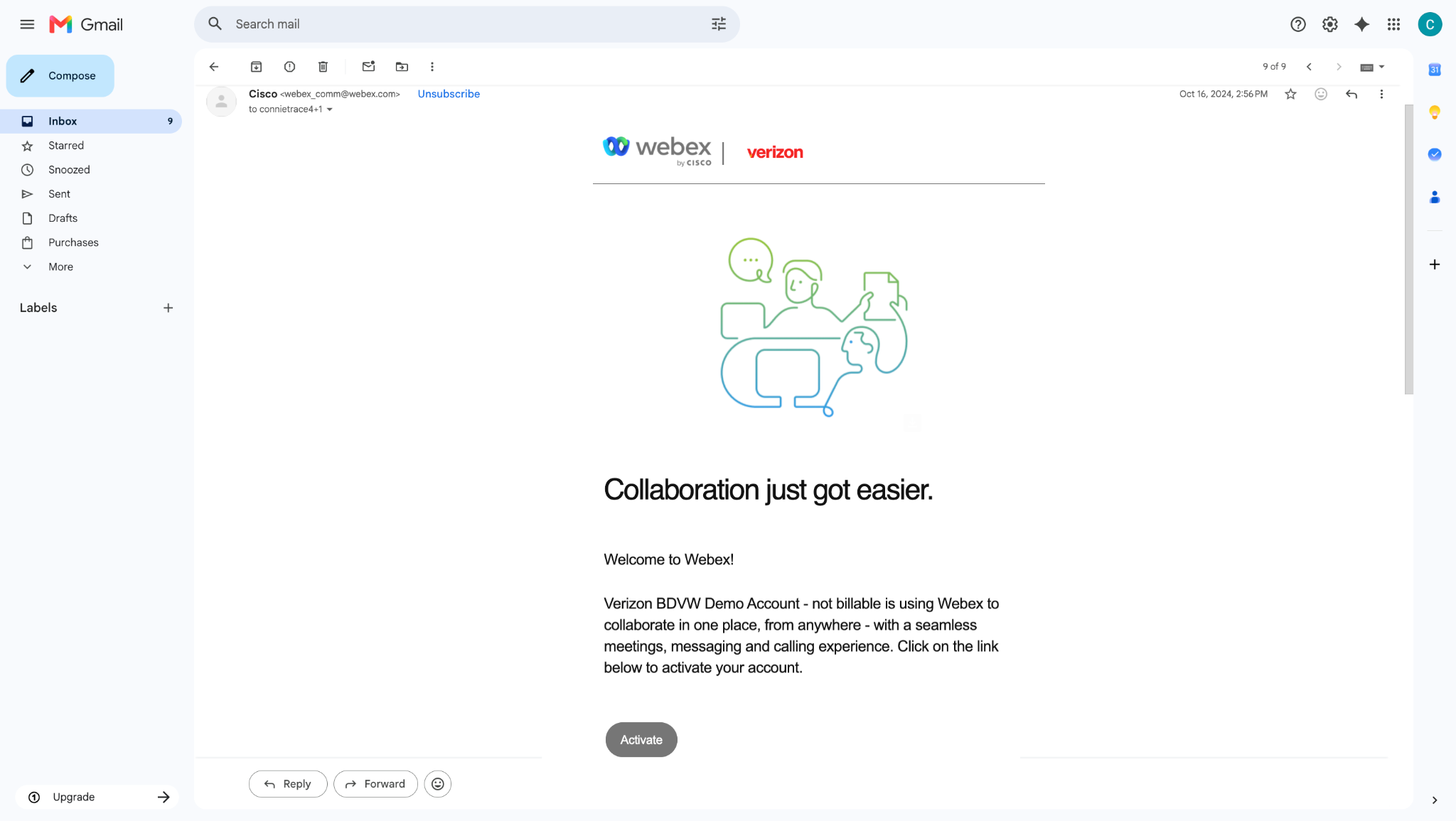
To download the Webex app to your iPhone, you must first activate the email address that you want to use with your account. Ask your site administrator or account manager for your activation link.
You can download the Webex app to your iPhone directly from the App Store or by scanning a QR code from your desktop browser.
To download the Webex app from the App Store:
- Open the App Store on your iPhone.
- Search for and select Webex for Business.
- Tap Get to download and install the app.
- Once installed, tap Open to launch the app.
- Review and accept the End User License Agreement.
To download the Webex app by scanning a QR code:
- On your desktop browser, navigate to webex.com/downloads.html.
- Scan the QR code on the page using your iPhone camera.
- Follow the prompts to download and install the app.