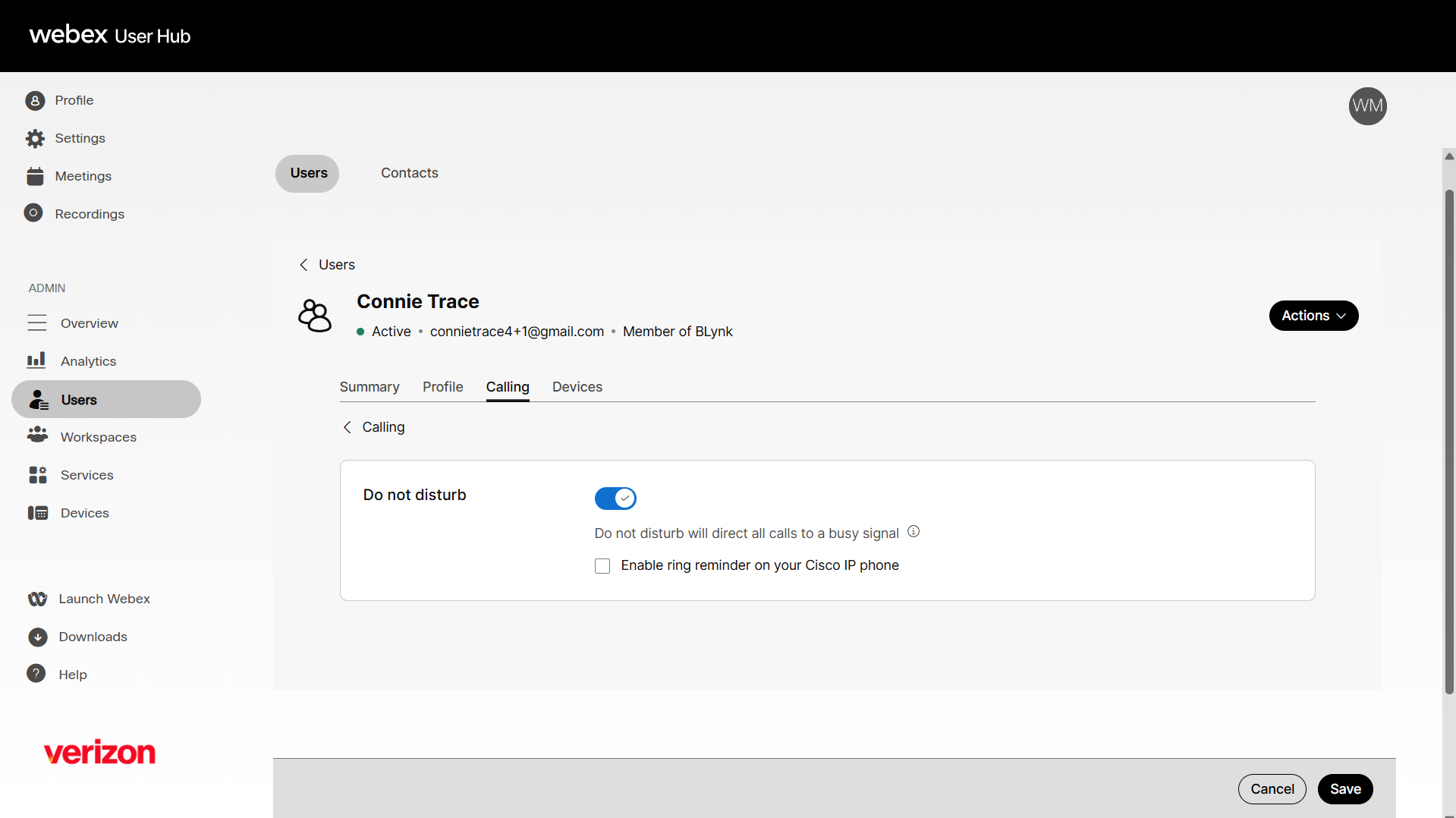
Enable do not disturb
The do not disturb feature gives all incoming calls the busy treatment, when enabled. Optionally, you can enable a ring reminder to play a brief tone on your phone when you receive incoming calls. Administrators can configure and manage do not disturb settings for a user.
- Sign in to User Hub.
- Under Admin, in the left menu, select Users.
- Select the user you’d like to modify.
- Select Calling.
- Under User call experience, scroll to and select Do Not Disturb.
- Click the toggle button to enable it.
- Check Allow ring reminder for Cisco IP phone to play a ring reminder if you want to play a sound notification when a call comes through.
- Click Save.