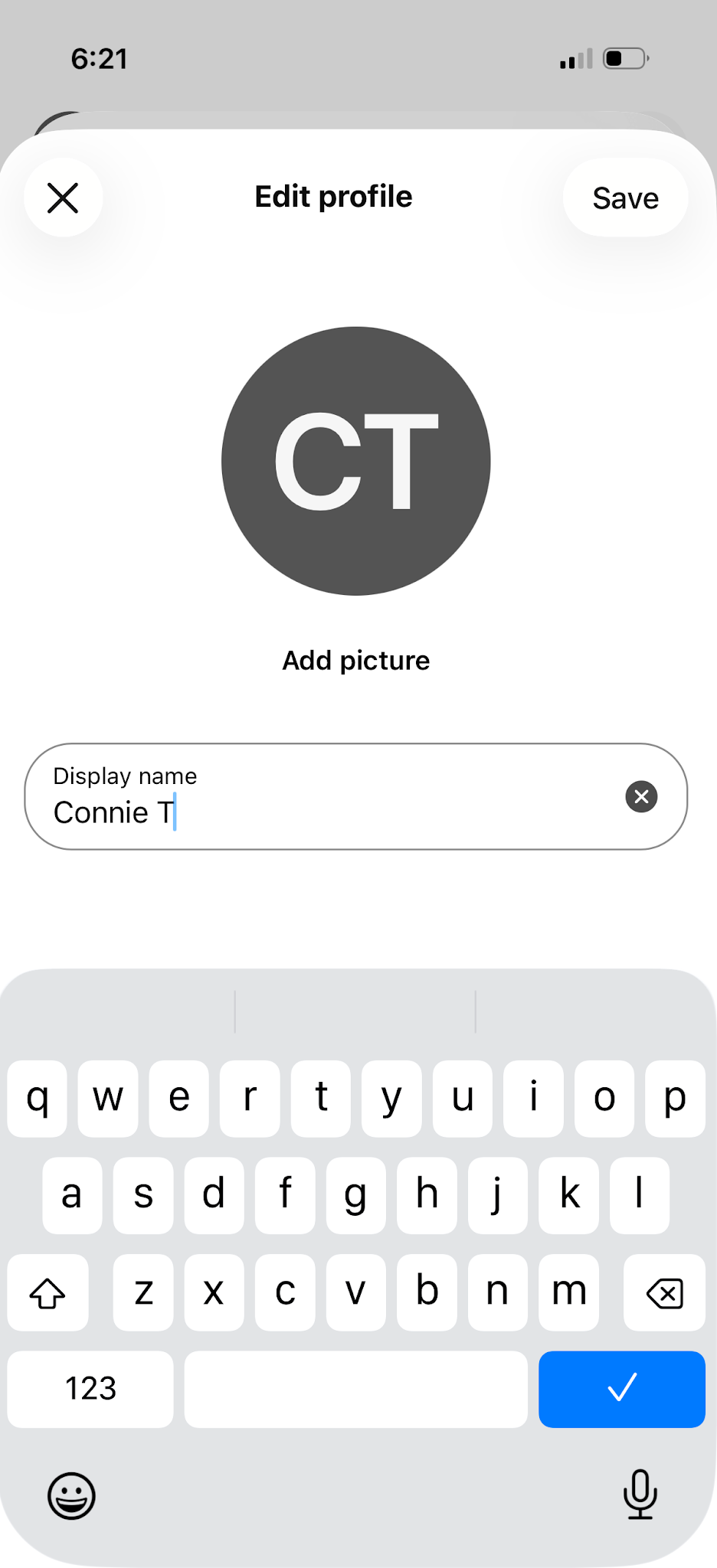
Update your display name
You can change the name of your Webex Profile to show your preferred name.
To update your display name:
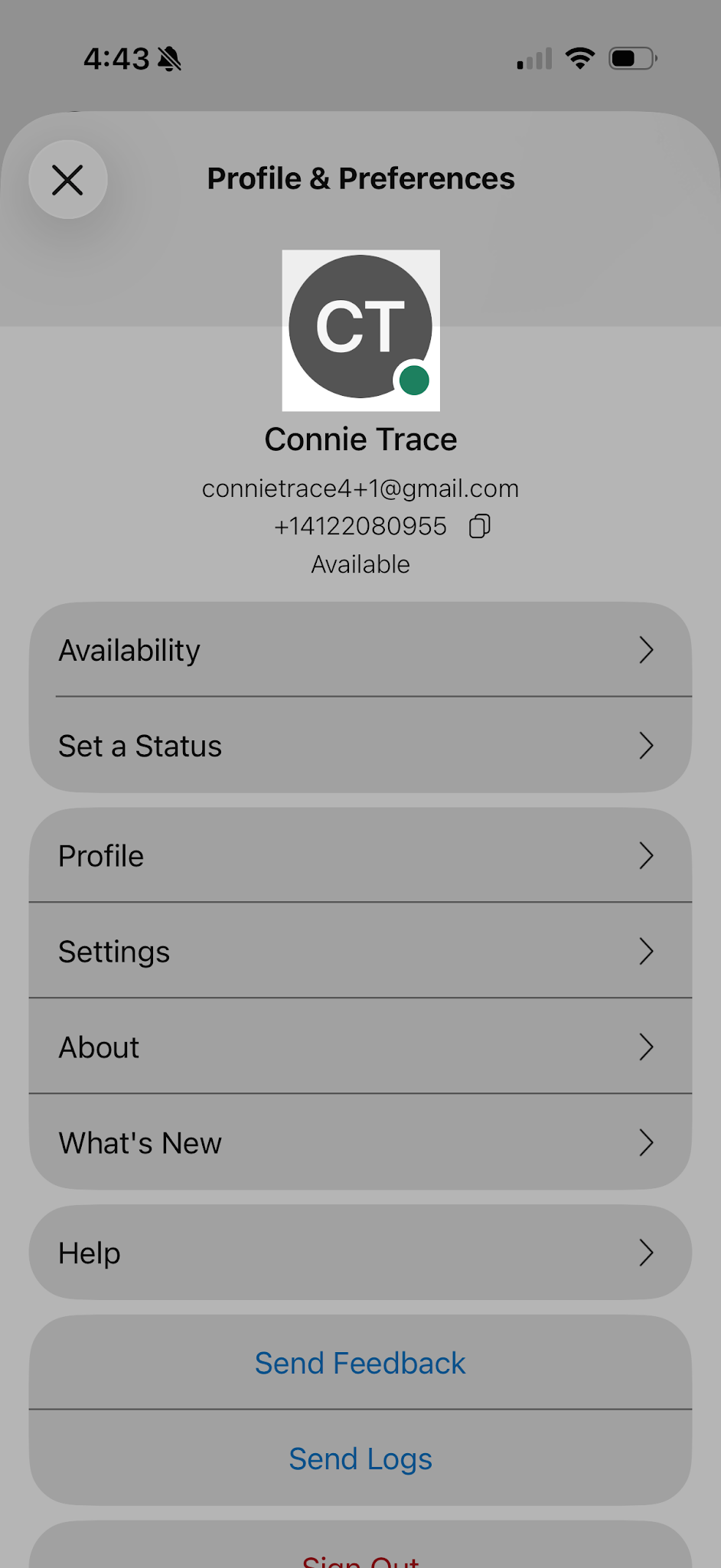
- In the app header, tap on your profile picture or initials.
- Tap your profile picture or initials again.
- The Edit Profile screen appears. Tap on your name and make your changes
- Click Save.