Create a space
To collaborate with a group in your Webex app, you can create a space. Spaces work best for a group of people collaborating on a specific topic or project. In a space, you can send messages, make calls, have video meetings, share files, and use whiteboards.
To create a space:
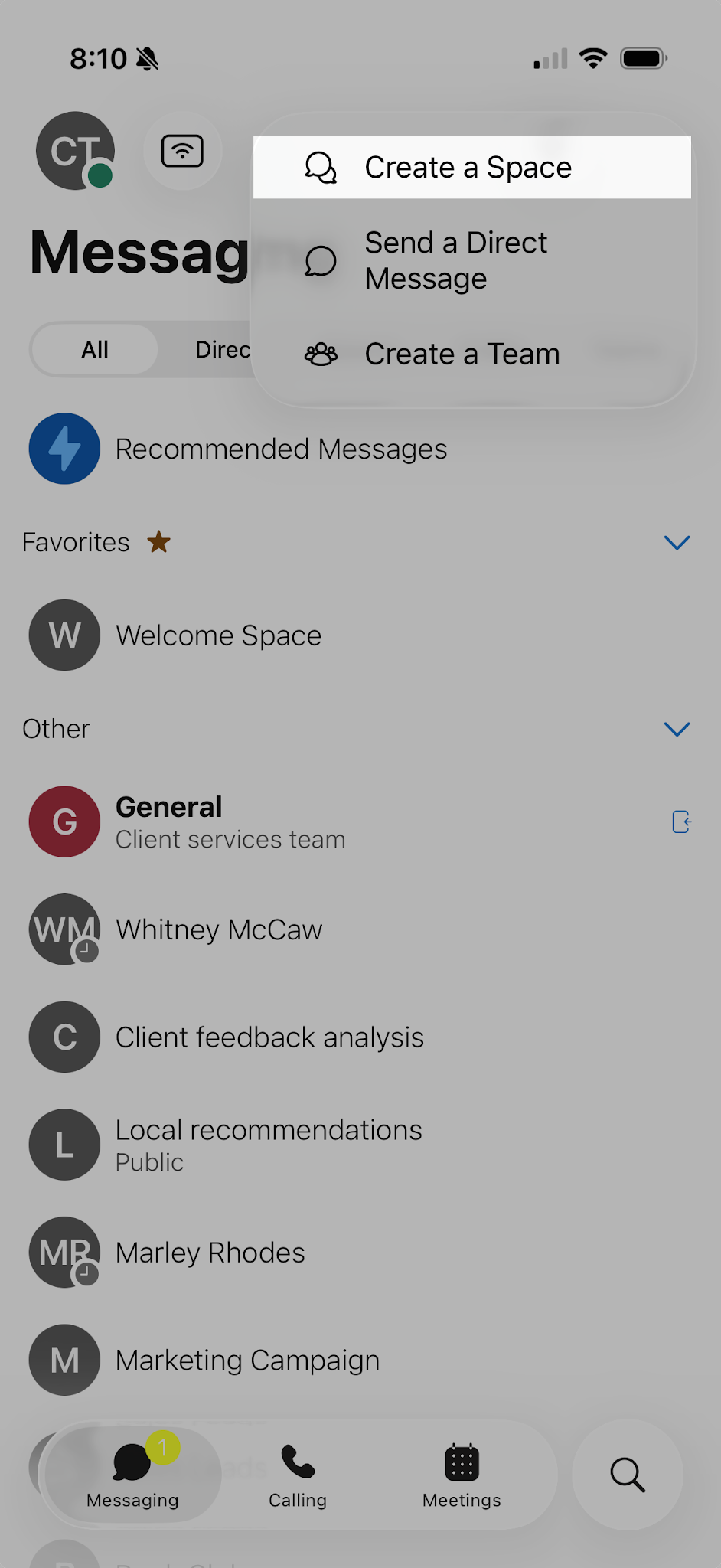
- Tap the Messaging tab.
- Tap the Plus icon.
- Select Create a space.
- Enter the name for the space and tap Next.
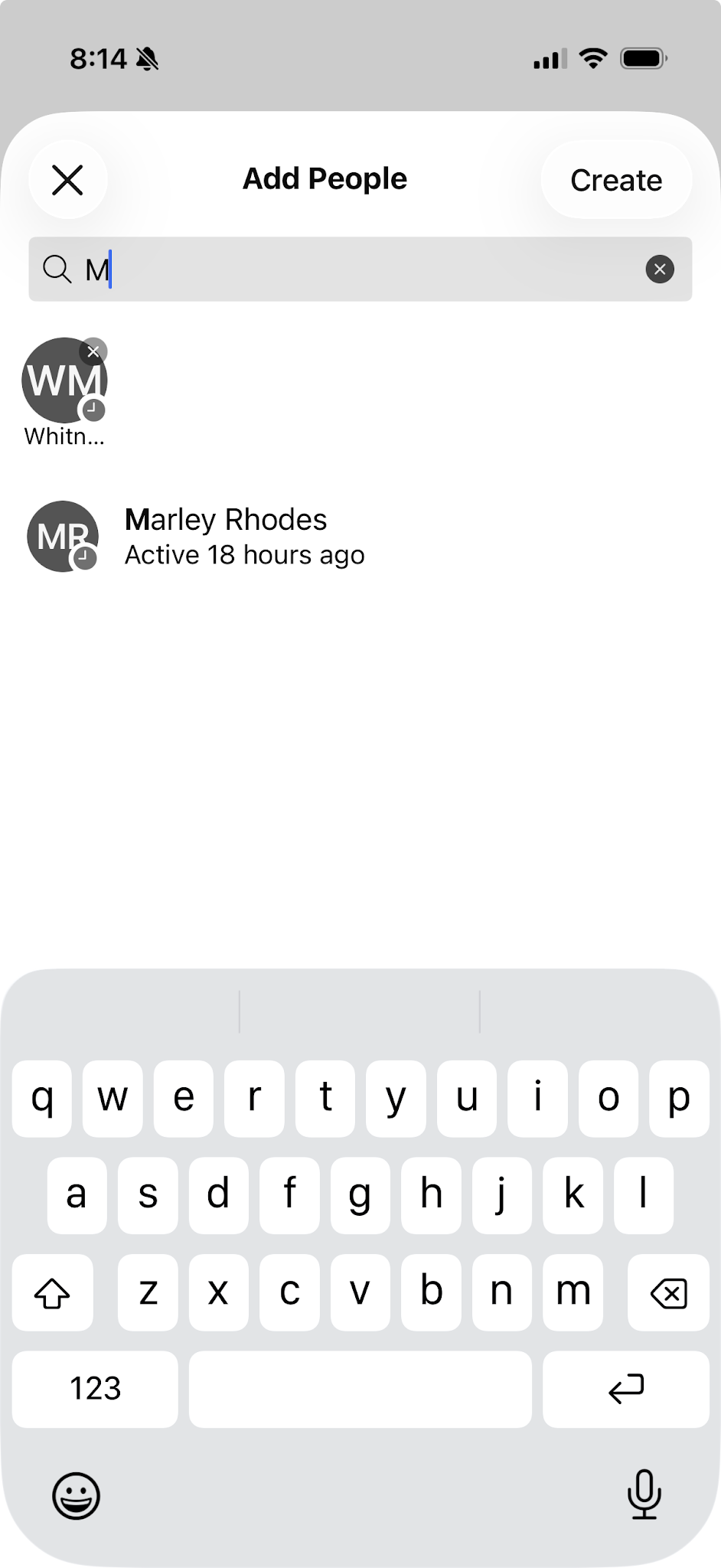
- Enter the email address or name for each person you want to add to the space.
- Tap Create.