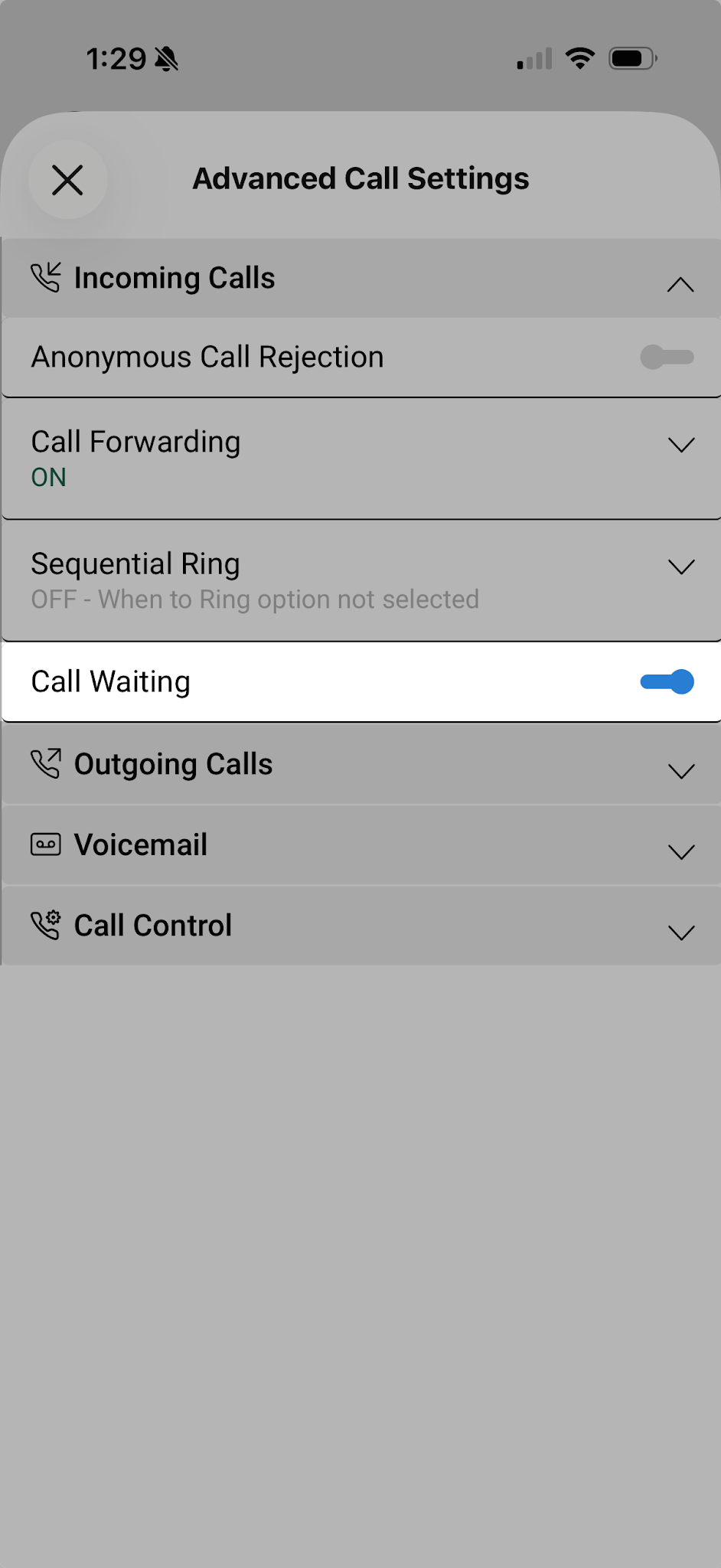
Enable call waiting
The Call waiting feature gives you the ability to handle multiple calls at the same time to make sure no important calls are missed. When the feature toggle is active, you can choose to either accept the incoming call or decline it.
To enable call waiting:
- Tap your Profile icon.
- Select Settings, then Calling.
- Select Advanced Call Settings.
- Expand Incoming Calls.
- Turn on the Call Waiting toggle.