Webex for mobileBack
Block my caller ID

Access and pay your Business Digital Voice with Webex bill

Easily pay, view, or print your Business Digital Voice with Webex bill online.

If you’d like to pay by phone or have an inquiry about your bill, contact the Business Digital Voice with Webex billing department at 1-800-837-4966.

Block your caller ID for outgoing calls

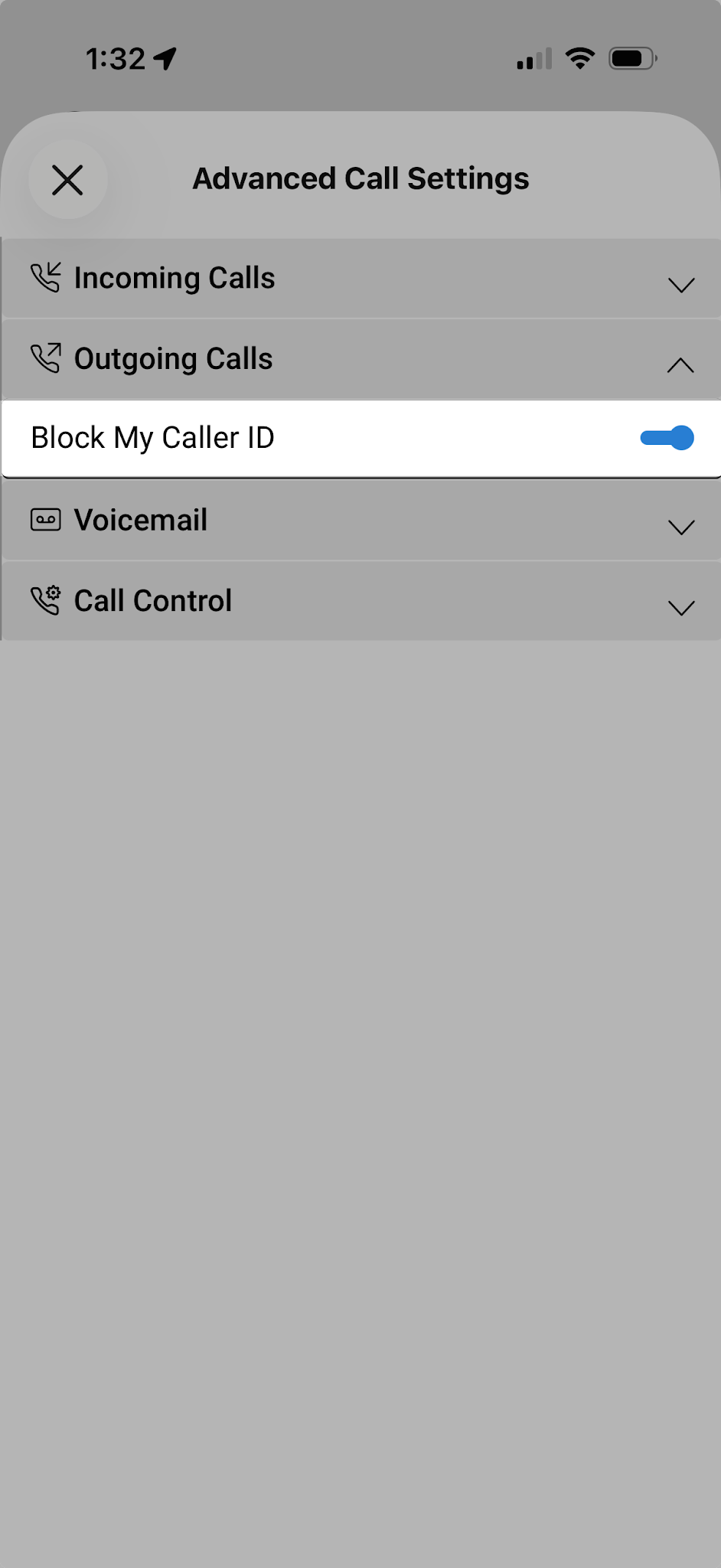
The Block My Caller ID feature allows you to hide your phone number from external parties when placing outgoing calls. 

To enable Block My Caller ID:

  1. Tap your Profile icon.
  2. Select Settings, then Calling.
  3. Select Advanced Call Settings.
  4. Expand Outgoing Calls.
  5. Turn on the Block My Caller ID toggle.
‍

>