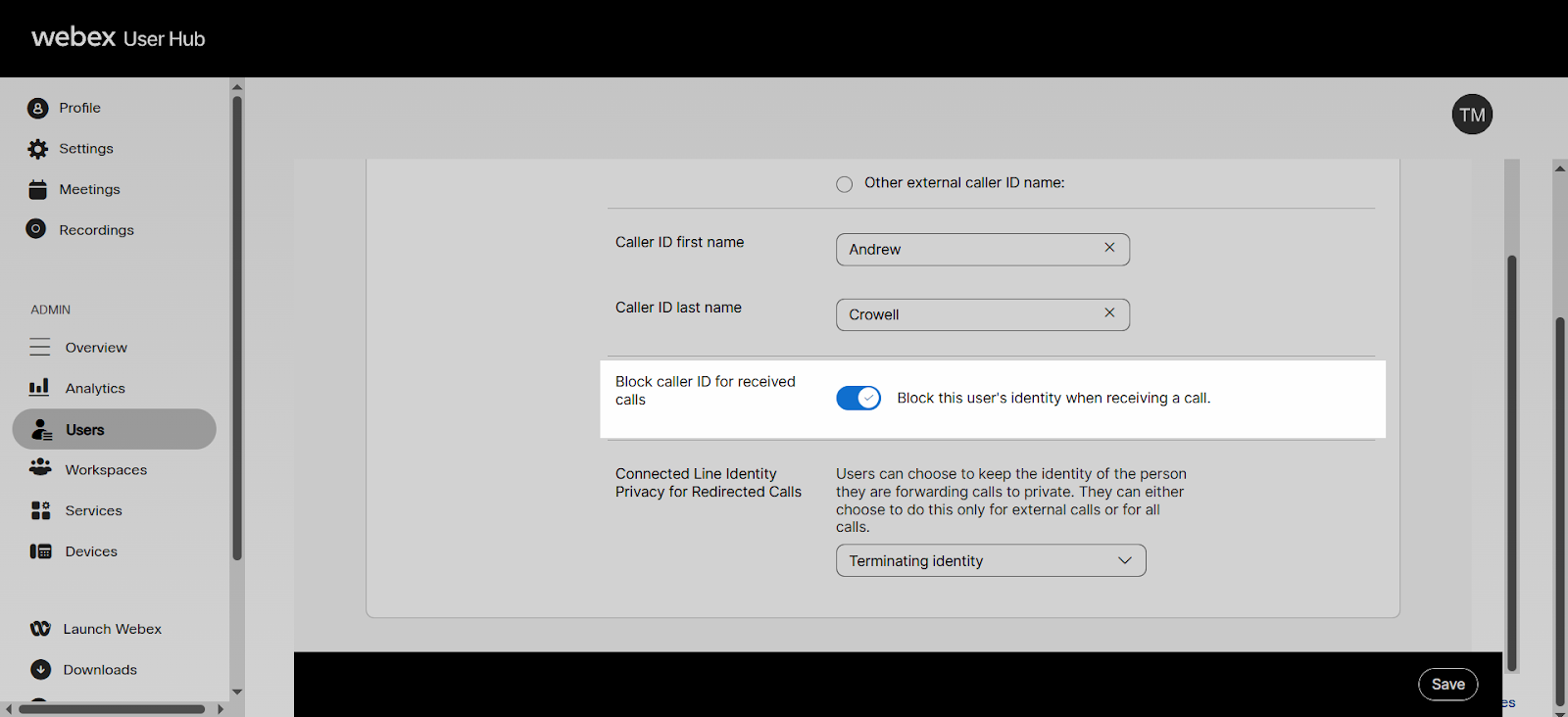
Configure block my caller ID for forwarded calls
The Connected Line Identification Restriction (CLIR) feature is used to hide a user’s identity whenever a call is forwarded or transferred to external numbers.
- Callers see “anonymous” on the caller ID if the caller’s service has the Connected Line Identification Presentation (COLP) setting turned on.
- This setting is only supported on some VoIP services.
- In the majority of cases, this setting doesn’t affect the presentation of the caller ID of the call since most phone providers don’t support this setting.
To configure CLIR:
- Sign in to User Hub.
- Click Users.
- Select a user.
- Select Calling at the top.
- Select Caller ID under the Numbers section.
- Select the toggle for Block Caller ID for received calls to turn the CLIR feature on or off.
Note: This feature only applies if the caller’s phone service supports Connected Line Identification Presentation (COLP). Most phone services do not support this setting. - Click Save.