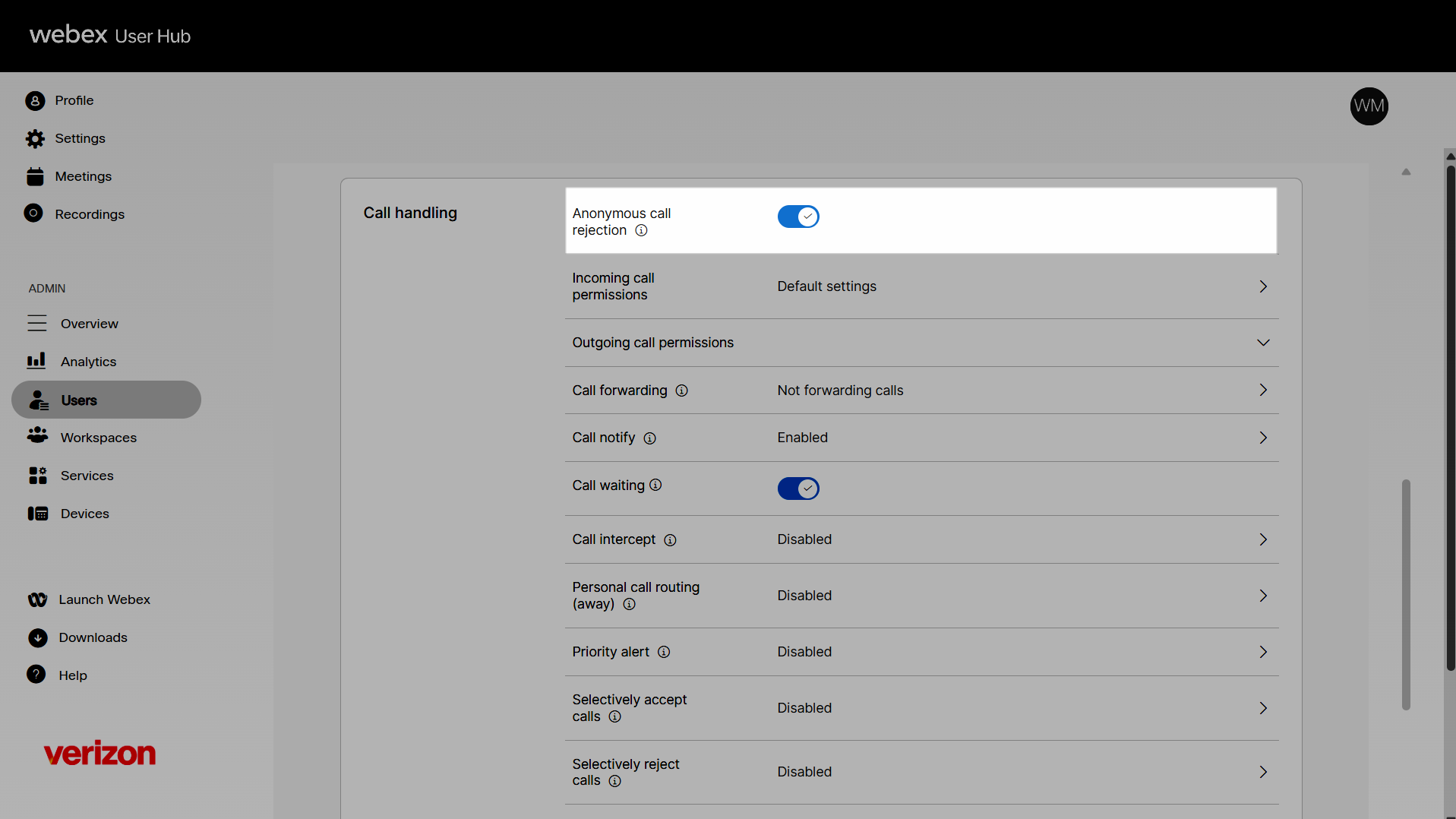
Enable anonymous call rejection for a user
The anonymous call rejection feature rejects all calls with an unidentified caller ID. Enabling this feature can help avoid spam or solicitation calls and decrease disruptions while increasing productivity. Administrators can configure and manage anonymous call rejection settings for a user.
- Log in to User Hub.
- Under Admin, in the left menu, select Users.
- Select the user you’d like to modify.
- Select Calling.
- Under Call handling, scroll to Anonymous call rejection.
- Click the toggle button to enable it.
- To disable it, click the toggle button again.